Seamlessly manage your contacts across iCloud and Google
Keep your address book up-to-date, organized, and safely backed up on your iPhone.
✔Import contacts from iCloud & Google
✔Add, edit, or delete contacts locally
✔Share contacts instantly
✔Safe, private, and easy to use
✔Import contacts from iCloud & Google
✔Add, edit, or delete contacts locally
✔Share contacts instantly
✔Safe, private, and easy to use
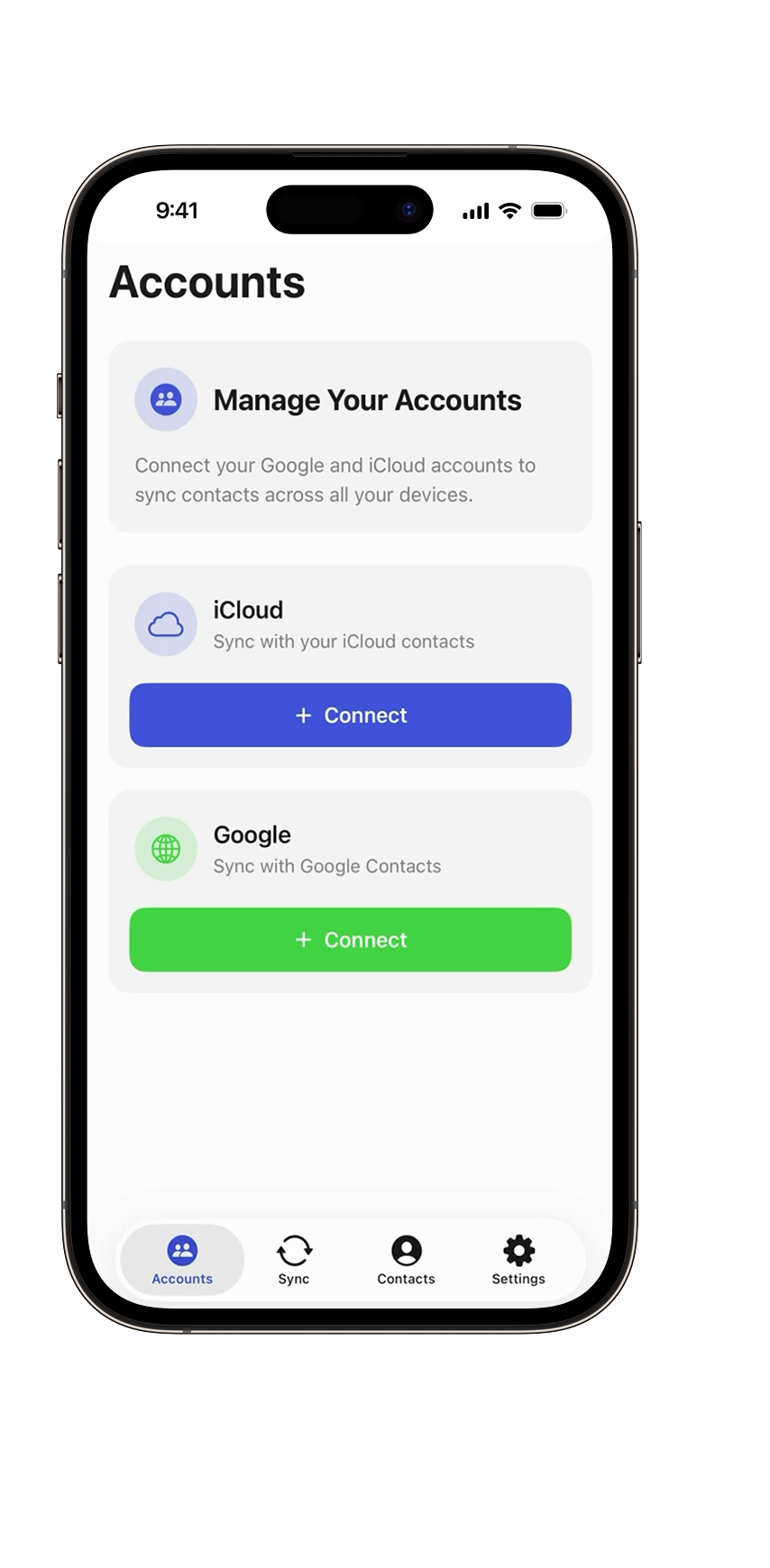
Why choose ContactFusion?
Everything you need to keep your contacts synchronized, safe, and easy to manage.
- Seamless SyncingOne-way or two-way sync between iCloud and Google. Sync selected contacts or all at once.
- Full ControlAdd, edit, or delete contacts locally — changes reflect in the original account.
- Share AnytimeQuickly share any contact with friends or colleagues.
- Backup & ExportSecure local backups or export your contacts to CSV for migration or safekeeping.

How ContactFusion Works
Sync, manage, and safeguard your contacts in just a few simple steps.
Connect your accounts
Sign in to iCloud and Google in seconds.

Select contacts & sync type
One-way, two-way, or selected contacts only.

Sync your contacts
Updates reflect instantly across all accounts.

Backup & export
Keep secure backups locally or export to CSV for easy migration.

All the features ContactFusion offers
Everything you need to manage, sync, and protect your contacts.
Import contacts
Load contacts from iCloud & Google, add new locally.
Add contacts manually
Quickly create new contacts in the app.
Edit & Delete
Make changes or remove contacts; all updates sync to the source.
Share contacts
Share any contact instantly via standard iOS options.

Sync contacts
One-way, two-way, or selected contacts only.
Sync history
View full record of past synchronizations.
Export to CSV
Save your contacts in CSV for backups or migration.
Find & remove duplicates
Keep your address book clean and organized.
Remove duplicates in a few simple steps
ContactFusion helps you clean and organize your contacts quickly and safely — without losing important data.
Scan your contacts
The app automatically analyzes your iCloud and Google contacts and detects duplicates based on names, phone numbers, emails, and matching fields.
Review detected duplicates
You get a clear list of all duplicated entries. Check details before merging — full transparency and control.
Merge or delete in one tap
Choose whether to merge duplicates into a single clean contact or remove unnecessary entries entirely.
Keep everything synced
All changes instantly sync with iCloud and Google — ensuring your address book stays clean across all devices.